
Product Overview
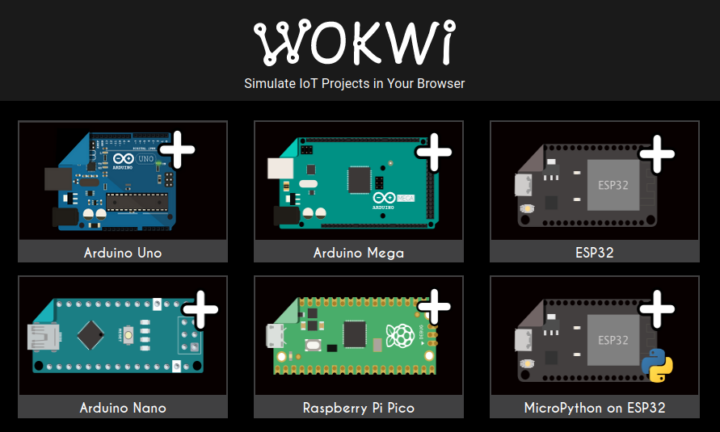
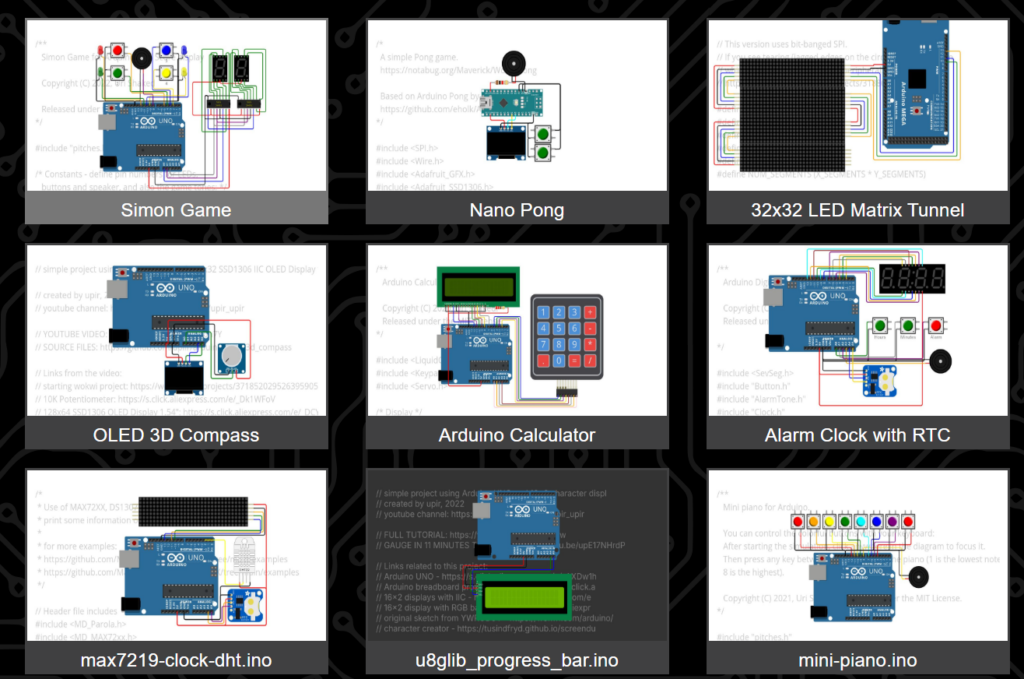
Wokwi is an advanced, browser-based electronics simulator designed for modern makers and engineers. Unlike basic simulators, Wokwi specializes in high-performance microcontrollers like the ESP32, Arduino, Raspberry Pi Pico, and STM32. It allows you to write code, wire up components, and simulate complex IoT projects with Wi-Fi connectivity without needing physical hardware.
Try the Wokwi Online Simulator for free.
Important Highlights
-
IoT & Wi-Fi Simulation: Test internet-connected projects using MQTT, HTTP, and NTP directly in your browser.
-
Advanced Boards: Full support for ESP32, Raspberry Pi Pico (MicroPython/C++), and STM32, which many other simulators lack.
-
No Installation: Start coding and simulating in seconds; no heavy IDE downloads or drivers required.
-
GDB Debugging: Professional-grade debugging features to step through your code and find errors quickly.
-
Logic Analyzer: Capture and analyze digital signals (I2C, SPI, UART) to verify your circuit’s communication.
-
Instant Sharing: Save your project to the cloud and share a single URL for others to run your simulation instantly.
How to Use
-
Step 1: Go to the Wokwi homepage and select your preferred board (e.g., Arduino Uno or ESP32).
-
Step 2: Use the ‘+’ button to add components like LEDs, sensors, or displays, and click on pins to draw connecting wires.
-
Step 3: Write your code in the editor on the left and click the ‘Play’ button to start the real-time simulation.
Short Summary
Wokwi is a powerful online simulator for Arduino, ESP32, and ARM-based microcontrollers. It offers unique features like Wi-Fi simulation and a virtual logic analyzer, making it the best choice for developers building smart IoT devices and advanced embedded systems entirely in the cloud.