Product Overview
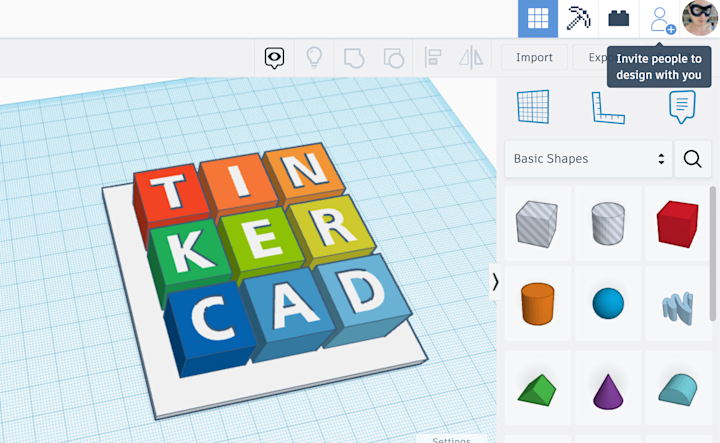
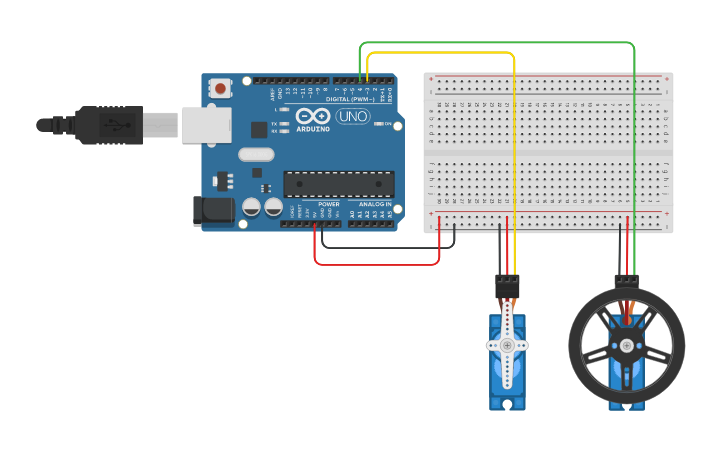
Tinkercad is a free, web-based software tool for 3D design, electronics, and coding. It is widely used by beginners, teachers, and designers to create 3D models for printing or to simulate electronic circuits directly in the browser without downloading any heavy software.
Try Tinkercad for 3D Design for free.
Important Highlights
-
100% Free: No cost for personal or educational use.
-
Browser-Based: Works on any computer with an internet connection; no installation required.
-
3D Design & Printing: Create complex shapes and export them as STL or OBJ files for 3D printing.
-
Circuits & Simulation: Build and test electronic circuits virtually, including Arduino and micro:bit.
-
Codeblocks: Use drag-and-drop blocks to create 3D designs using computational thinking.
-
Cloud Storage: All your designs are automatically saved to your account in the cloud.
How to Use
-
Step 1: Sign up for a free account and click ‘Create new design’ to open the 3D workspace.
-
Step 2: Drag and drop shapes from the library onto the Workplane and adjust their size or color.
-
Step 3: Group your shapes together and click ‘Export’ to download your file for 3D printing or sharing.
Short Summary
Create 3D designs, simulate electronics, and learn coding for free with Tinkercad. It is a beginner-friendly, browser-based tool perfect for students and makers to bring their ideas to life without installing complex software.